No ads. None.
No advertising, no sponsored drills, no video to sit through. Nothing in BallQuest is trying to sell a child anything.
 BallQuest
For parents
BallQuest is made for kids. The decisions are not. Here is what the app does, what it deliberately does not do, and where you get to say no.
No advertising, no sponsored drills, no video to sit through. Nothing in BallQuest is trying to sell a child anything.
The coins in the app come from training and are spent inside the app. There is no way for a child to turn real money into an advantage, and there are no boxes to open.
There is no messaging in BallQuest. The only opponents are fictional. If you switch on the high-score list, it shows a chosen handle and a number — never a real name, never a photo.
A session has a start and a finish, and the app says so. There is no endless feed, no autoplay, nothing engineered to keep a child scrolling after the football is over.
Behind a screen for grown-ups sit the things a child should not decide alone: the rewards the family agrees on, what a session is allowed to cost in time, the language, and the choice of whether progress is shown on a public high-score list at all. It is off unless you turn it on.
Training that happened at the club can be logged from here too, so a Tuesday at the pitch counts for as much as a Tuesday in the garden.
Questions
Five to fourteen. The drills are graded year by year, not lumped into age bands, so a seven-year-old gets seven-year-old drills rather than something built for a nine-year-old.
No. BallQuest runs in a browser on a phone, tablet or laptop and can be installed to the home screen. A parent’s device is a perfectly normal setup — a grown-up creates the profile either way.
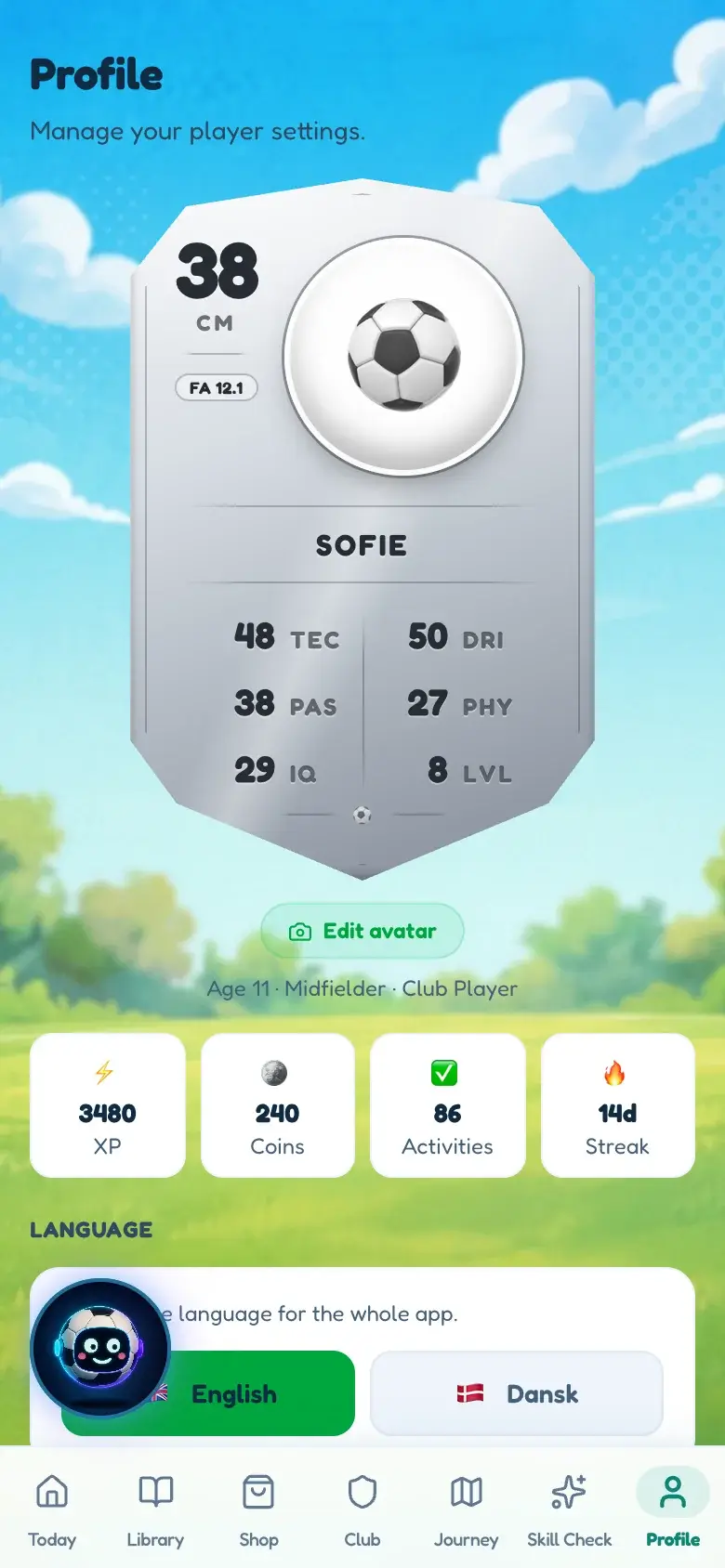
A first name or a nickname, and an age. That is what the app needs to grade the drills. It does not ask for a surname, an address, a school or a photo.
No, and it shouldn’t. BallQuest is for the days between practices — the twenty minutes in the garden that are otherwise spent arguing about whether to go outside. Club sessions can be logged so they still count.
Nothing today, because it is not for sale yet. What we can already promise is on the pricing page.
UEFA-licensed coaches who train children at a high level every week. That is why the drills are graded year by year instead of being lumped into age bands, and why nothing in there is a random exercise off the internet.
Not yet, but it is what we are building next. There is a page about it for coaches.
Something not answered here? hello@ballquest.com · How we handle data · If you coach a team
It is being built and tested with real kids on real pitches. Leave your address and you will hear from us once — the day it opens.
One email when BallQuest opens. No spam, no sharing your address, unsubscribe any time.